
Safe web and app access
BetPro ID Login Help in Pakistan
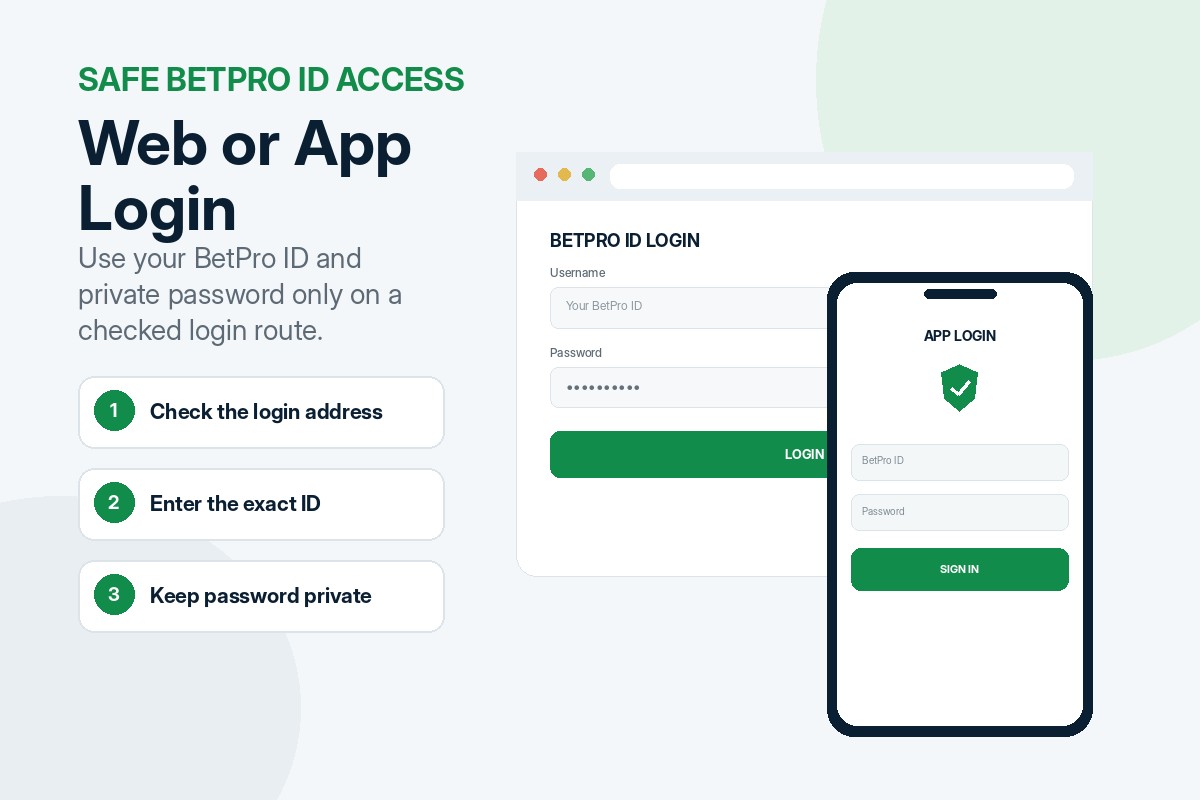
Use your BetPro ID and private password on a supported web page or approved app. When login fails, check the credentials, address, device and account status first.
Independent dealer-based support. This is not the corporate BetPro website. Never share your password, OTP or payment PIN.
Quick answer
What is the safest way to complete a BetPro ID login?
Open a supported page or approved app, enter the exact BetPro ID and type the current password privately. When access fails, stop guessing and check the address, browser, device, network and account status. Support does not need your password.
Before you open the login screen
What do you need before login?
Prepare the correct credentials and a checked route so you can identify the failure point safely.
Your BetPro ID
Use the assigned username, not your WhatsApp number or payment reference.
Your current password
Use the latest password and remember any change made after the first login.
A checked login route
Open a supported web address or approved app source.
A stable device and network
Use a stable connection with correct device time and updated software.
Choose the right access method
Where can you use your BetPro ID?
The same credentials can normally work on supported web and approved app options.
Use an updated browser
Use a browser when you do not want to install an app, have low storage or are using a computer.
- Check the address before entering credentials.
- Use Chrome, Edge, Firefox or another updated browser.
- Leave pages that request an unexpected OTP or wallet PIN.
Use only a checked source
An approved app can provide quick access, but an unknown APK can expose the device and account.
- Confirm the download through the published support route.
- Review unusual permissions before installation.
- Do not install modified files from groups or random websites.
Seven clear login steps
How do you complete a BetPro ID login?
Follow the sequence once and observe where the problem appears.
Open the supported login route
Use the login address or approved app source confirmed through this website.
Enter the BetPro ID
Type the username exactly and check letters, numbers and spaces.
Enter the current password
Turn Caps Lock off and remove copied spaces around the password.
Check the password privately
Use the eye icon briefly on your own screen. Never expose the password in a screenshot.
Press Login once
Wait for the page or app to respond instead of tapping repeatedly.
Confirm the correct account
Confirm that the expected account opens and stop if details look unfamiliar.
Protect the active session
Log out on shared devices and do not save the password publicly.
Find the exact failure point
Why is the BetPro ID login not working?
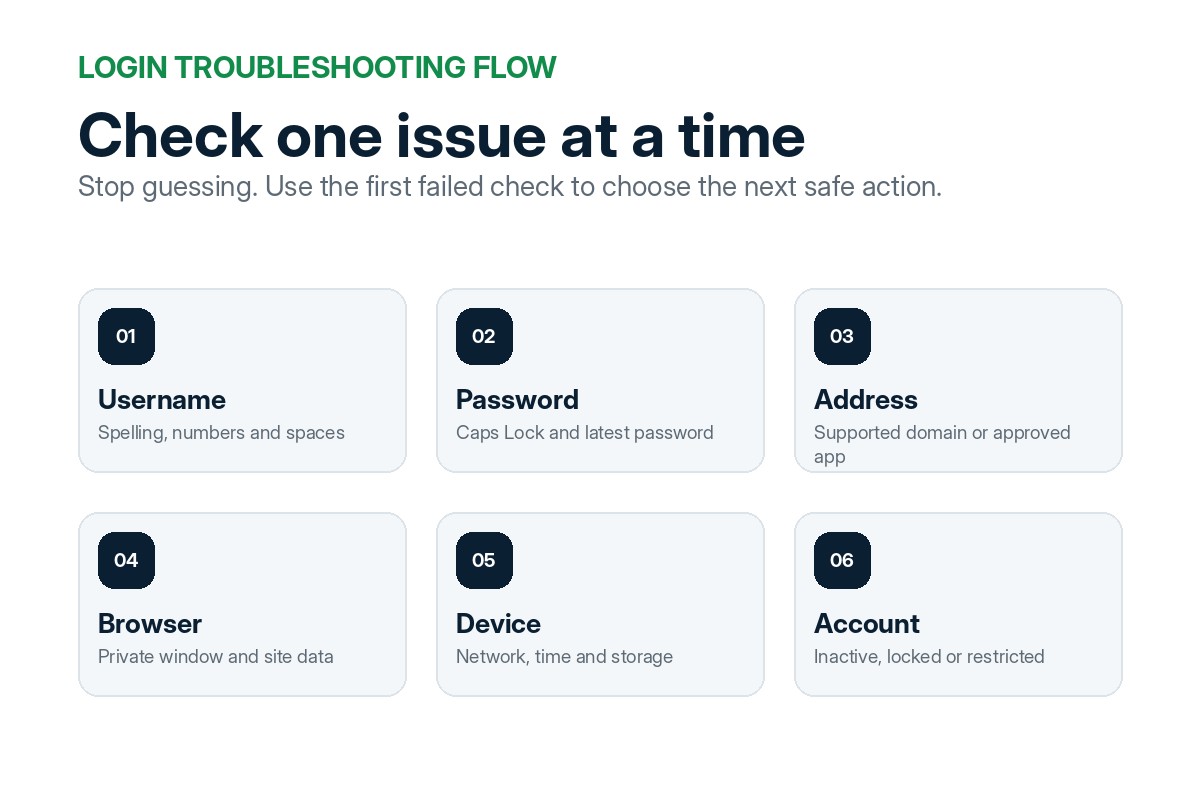
Most problems fall into six groups. Check them in order and do not create a duplicate account.
Username check
Compare every character and watch for similar letters, numbers and copied spaces.
Password check
Use the latest password, check Caps Lock and type it manually once.
Address check
Confirm the domain and leave pages that request an OTP, PIN or remote access.
Browser check
Refresh once, try a private window, clear site data and test another browser.
Device and network check
Use automatic time, restart the device, check storage and test another network.
Account-status check
An inactive, locked or disabled BetPro ID needs a dealer status check through the verified 24/7 support route without sharing the password or OTP.
Check the credentials carefully
Is the username or password causing the problem?
Compare the BetPro ID with the original message and confirm whether the password changed earlier.
Watch for similar letters and numbers, missing digits and copied spaces. Turn Caps Lock off before trying again.
Browser checks
How do you fix a web login problem?
Old cookies, cached files or blocked scripts can affect the login page.
- Refresh the login page once.
- Try Incognito or Private Browsing mode.
- Clear cookies and cache for the login domain only.
- Test Chrome, Edge or Firefox.
- Disable an extension only when it blocks required scripts.
- Close the browser fully and reopen it.
Phone and network checks
What should you check on a mobile device?
Incorrect time, blocked data, low storage or outdated software can affect mobile login.
- Confirm mobile data or Wi-Fi is working.
- Turn Airplane mode off.
- Set date and time to automatic.
- Check available storage and browser updates.
- Review app permissions and battery restrictions.
- Test without an unusual VPN or private DNS setting.
Approved app access
What should you do when the app does not open?
Confirm the app source first. Do not disable phone security or install a replacement from an unknown website.
Detailed APK installation and permissions remain on the App Guide page.
Safe app checks
- Confirm the app came from the checked source.
- Close and reopen the app.
- Restart the Android device.
- Check available storage.
- Update Android System WebView and the browser.
- Clear the app cache.
- Reinstall only from the approved source.
Account status
Why does the account show inactive, locked or disabled?
The BetPro ID may need activation, may be unused, restricted after failed attempts or require a dealer status check.
Do not request a duplicate ID or keep guessing the password. Share the BetPro ID, exact error and safe device details through the verified 24/7 support route, but never send the password or OTP.
Prepare a safe support request
- Your BetPro ID
- The exact error message
- Web or app login
- Your device and browser
- Wi-Fi or mobile data
- A cropped screenshot with private details hidden
Forgotten credentials
What should you do when you forget the password?
Stop guessing. A known password may be changed while logged in; a forgotten one normally needs dealer recovery.
Ask what safe account details are needed. Do not send an OTP, PIN, password or remote-access code.
Protect private access
What will support never need for normal login help?
Support can check the account without controlling your device or receiving private security details.
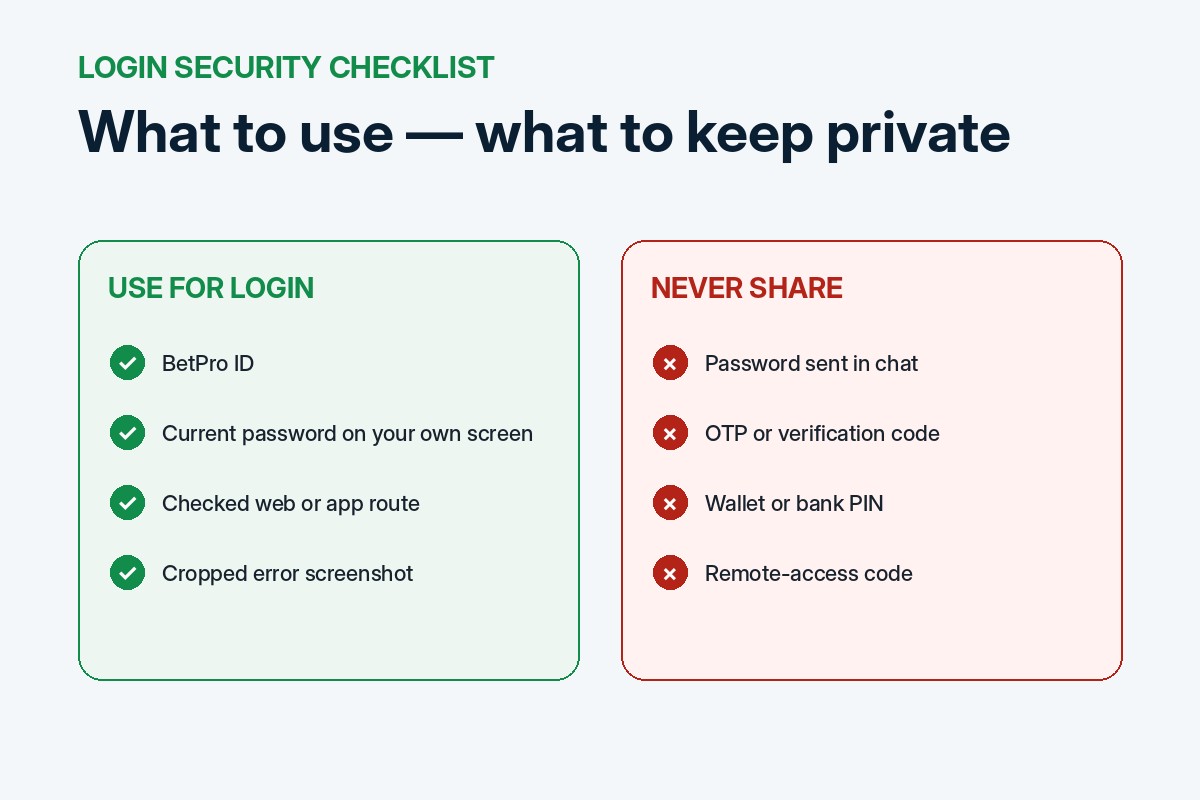
Your current or previous password.
A WhatsApp, SMS or email OTP.
Your wallet, bank or card PIN.
Your email or banking password.
A remote-access or screen-sharing code.
Control of your phone or computer.
An uncropped screenshot with private account details.
Roman Urdu quick help
BetPro ID login nahin ho raha?
Yeh checks aik aik karke karein. Random password aur unknown support number se bachain.
- ID ka spelling dobara check karein.
- Password mein extra space na ho.
- Caps Lock band aur keyboard language sahi rakhein.
- Sahi web link ya approved app use karein.
- Internet, mobile date aur time check karein.
- Browser ka cache ya private window test karein.
- Random APK install na karein.
- Password, OTP ya PIN kabhi share na karein.
- Masla rahe to published dealer-support route use karein.
Avoid preventable login problems
Common login mistakes to avoid
Keep the process simple and protect the account while troubleshooting.
- Using a WhatsApp number instead of the BetPro ID.
- Entering an old password or copying an extra space.
- Opening an unsupported or lookalike login page.
- Installing an APK from an unknown source.
- Sending the password to someone who offers to test it.
- Trying many passwords until the account is restricted.
- Ignoring a browser security warning.
- Using the wrong device date and time.
- Saving credentials on a shared phone or computer.
- Creating another account before checking the first ID.
Clear login answers
BetPro ID login questions
These answers cover common web, app, password and account questions.
What is my BetPro ID?
It is the account username used with your private password, not normally your WhatsApp number.
Can I use my WhatsApp number to log in?
Normally, no. Enter the BetPro ID in the username field.
Can the same ID work on web and app?
The same credentials can normally work on supported web and approved app options.
Why does the correct password not work?
Check Caps Lock, copied spaces, the login address and any earlier password change.
Should I send my password to support?
No. Support can investigate without receiving the current password.
What happens after too many failed attempts?
The BetPro ID may be temporarily restricted. Stop guessing, record the exact error and use the verified 24/7 support route without sending your password.
Can I reset the password myself?
A known password may be changed while logged in. A forgotten one normally needs dealer recovery.
Why does the app work but the website does not?
Try a private window, clear site data or use another updated browser.
Why does the website work but the app does not?
Restart it, check storage, clear cache and reinstall only from the approved source.
Is a VPN required for login?
Not always. Test the normal network first because a VPN can add connection problems.
Can I log in on a shared phone?
Your own device is safer. On a shared phone, log out and never save the password.
Is this the corporate BetPro website?
No. This is an independent dealer-based support website.
Still unable to log in?
Send a safe login-help request
Prepare the BetPro ID, error, device and network type. Hide private details and never include a password, OTP or PIN.
Adults aged 18 or older only. Betting involves financial risk. Set limits and never use borrowed money.