
Android download, login and safety
BetPro App Download, Login and Android APK Guide
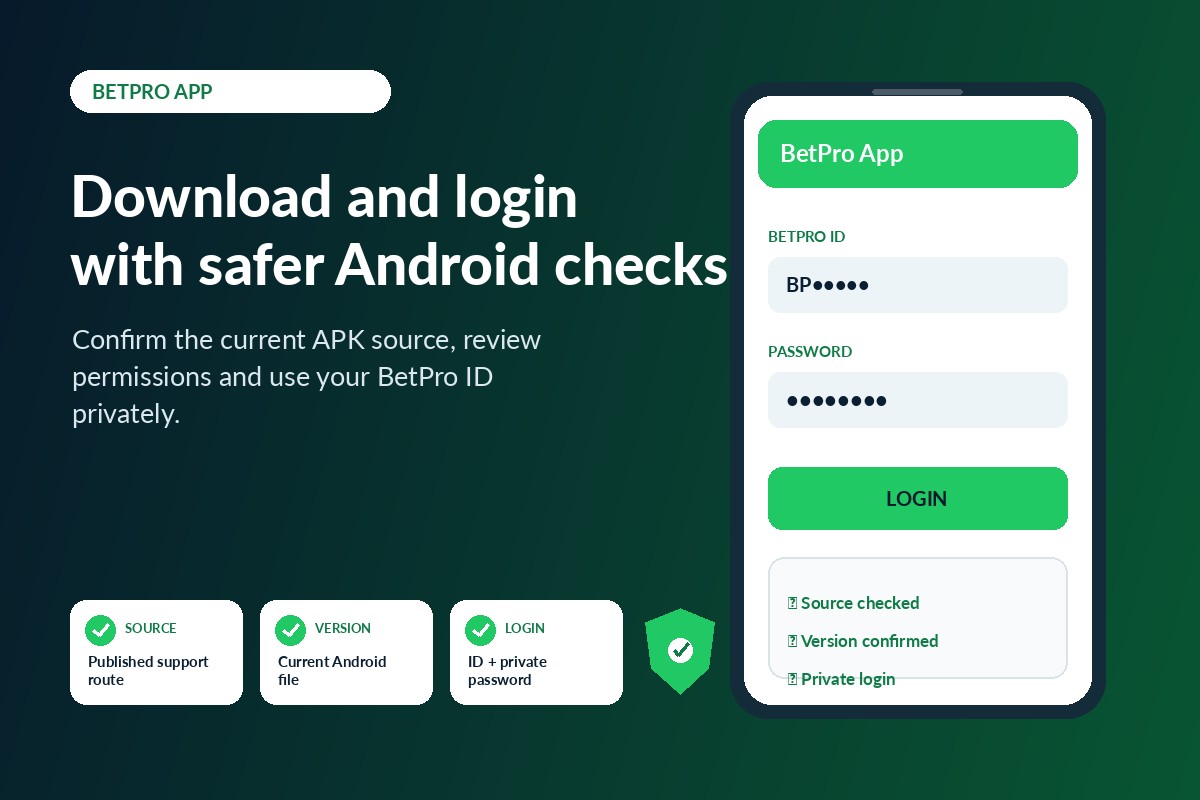
Looking for the BetPro app? Confirm the current Android source before downloading an APK. Check the file, version and permissions, then log in with the correct BetPro ID and private password.
Independent dealer-based support. This is not the corporate BetPro website. Never share a password, OTP, payment PIN or remote-access code.
Quick answer
How should you download and use the BetPro app safely?
Use the support route published on this website to confirm the current Android download source. Compare the link, file name and supported version. Keep normal phone protection active, review every permission and avoid forwarded, modified or outdated APK files. Use the same BetPro ID and private password on supported app and browser access.
Mobile account access
What is the BetPro app?
The BetPro app is a mobile-access option for an existing account. Depending on the current supported setup, it may show account login, sports and live cricket markets, balance information, transaction history and basic account settings.
Installing an APK does not create a BetPro ID automatically. A new account is normally requested through dealer support. Do not assume that every file or application using the BetPro name connects to the supported platform.
Choose the practical route
BetPro app or browser: which should you use?
Android access is confirmed
- The APK source and version have been checked.
- Your phone has enough storage and compatible Android software.
- You prefer quick repeat access on your own device.
- The requested permissions match visible app features.
Installation is not necessary
- You use an iPhone, computer or low-storage phone.
- The APK will not install or the app keeps closing.
- You want to test whether the account credentials work.
- You do not want to allow Android installation permissions.
Verify before downloading
How do you confirm the current BetPro app source?
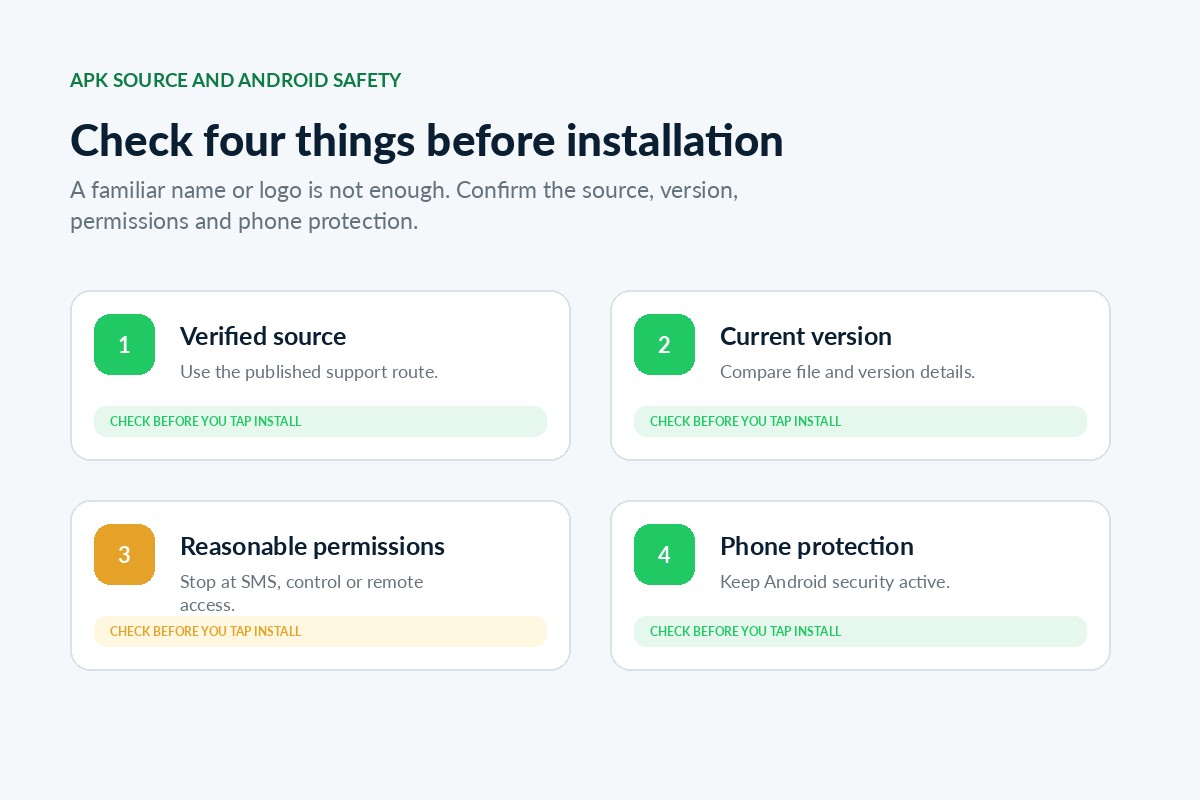
Do not install the first file shown in search results. The approved BetPro app or APK source is provided only through the verified 24/7 WhatsApp support route.
Use the verified 24/7 route
Open the WhatsApp support route published on BetPro-ID.PK instead of searching for random numbers or download links.
Ask for the current source
Ask that verified support conversation for the current Android download link, file name and supported version before installing.
Compare the destination
Check the link carefully and avoid shortened, changed or forwarded links from another contact.
Check the file information
Compare the file name, version and date with the information supplied through verified support.
Review the permissions
Read each request and stop when the app asks for permissions unrelated to account access.
Keep one verified conversation
Do not move to a new number only because it uses a copied BetPro name, logo or profile image.
Android installation file
What is a BetPro exchange app APK?
An APK is an Android installation file. It can install an app without a normal app-store listing. That does not make every APK unsafe, but files downloaded outside an app store need extra source, version and permission checks.
A file can be renamed or modified. Words such as “latest version,” “official,” “original,” “secure” or “updated” are not proof. Modified, cracked, unlocked, premium or hacked APK files should be treated as warning signs.
Android installation
How do you install the BetPro app APK?
Android screens differ by phone brand and software version, but the safe sequence remains similar.
Confirm the current BetPro app source through published support.
Download the Android APK and wait for the file to finish completely.
Open the file from the browser download list or the Downloads folder.
Allow unknown-app installation only for the browser or file manager being used.
Review the app name and installation warning before selecting Install.
Remove unnecessary unknown-app permission after installation finishes.
Open the app and check the login screen before entering account details.
Log in with the correct BetPro ID and private password.
Use existing credentials
How do you complete the BetPro app login?
Open the checked application and enter the same BetPro ID and current password used on a supported web-login page. Your WhatsApp number is not automatically the BetPro ID.
- Open the checked app. Confirm that the installed application is the one whose source you verified.
- Enter the BetPro ID. Check spelling, letters, numbers and extra spaces.
- Enter the private password. Check Caps Lock and keyboard language.
- Select login once. Wait for a response instead of tapping repeatedly.
- Confirm the account. Log out if the name or account information looks unfamiliar.
Android security
Which app permissions should you review?
Read every permission request. Do not approve access simply because the app blocks the next screen.
Freshness and compatibility
How do you check the latest BetPro app version?
Search results may include 2022, 2023, 2024, “old version” or “latest version.” A year or label does not prove that the file is current. Ask the published support route and compare the version information before updating.
An old version may stop opening, reject login, show a blank screen, use an outdated route or become incompatible with Android. Use an older APK only when verified support confirms that it is required for your phone.
Common Android fixes
Why is the BetPro app not working?
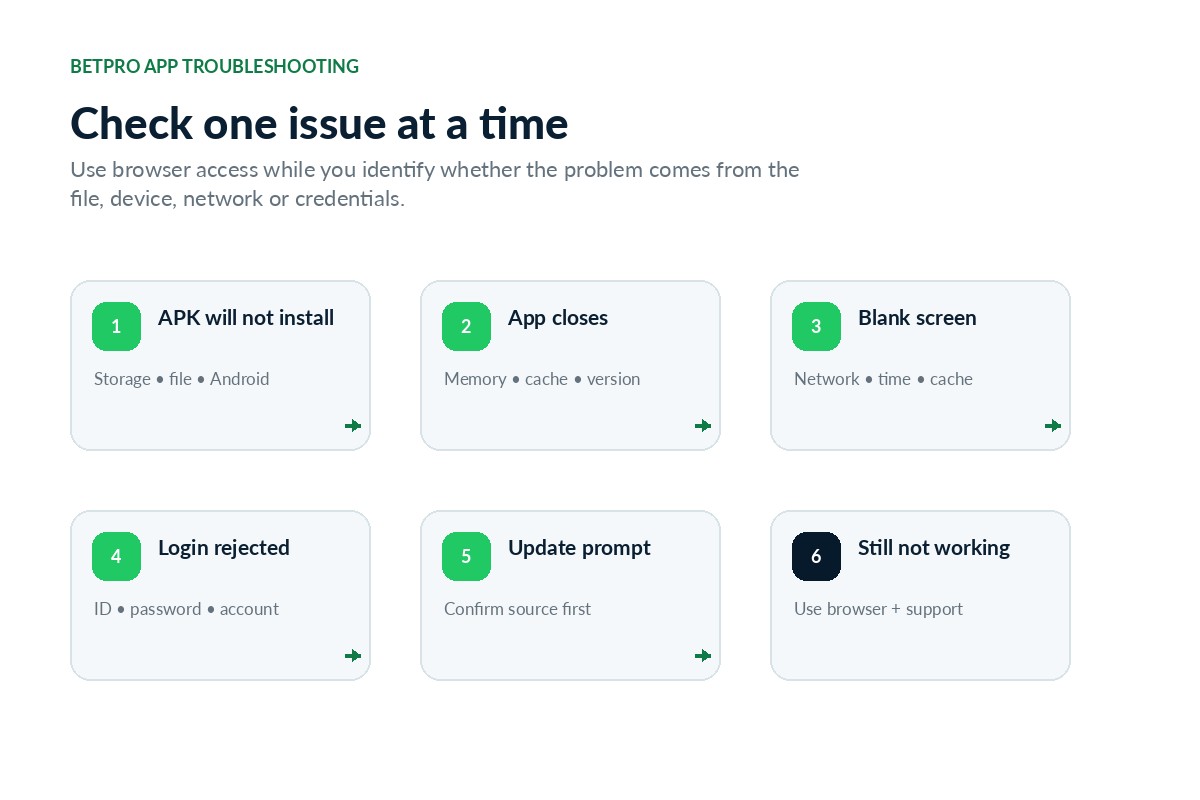
Check one problem at a time. Use the supported browser login while the app issue is being identified.
APK will not install
Check the completed download, free storage, Android version, existing app copies and unknown-source permission.
App opens and closes
Restart the phone, close other apps, clear cache, check storage and confirm the current version.
Blank or white screen
Switch network, set date and time automatically, reopen the app and test the verified browser login.
ID or password rejected
Check username spelling, spaces, Caps Lock, saved old passwords and whether the same details work on the web.
Update message appears
Do not install immediately. Confirm the version and update source through the same published support route.
App works on one phone only
Compare Android versions, storage, permissions, network settings and device compatibility.
Can an Android APK work on an iPhone?
No. An Android APK cannot be installed on iOS. Use supported browser access unless a verified iPhone option is available. Avoid files labelled “iOS APK.”
Can you use the BetPro app on a PC?
Use the supported web login on Windows or macOS. Avoid random desktop installers, extensions and “BetPro app for PC” programs.
Can you create a BetPro ID inside the app?
Installing the app does not create an account. Use the dealer-assisted Create ID guide for a new request.
Feature-related searches
BetPro live cricket, betting and wallet app searches
Searches such as BetPro live cricket app, BetPro cricket app, BetPro betting app or BetPro wallet app normally refer to features inside the supported account platform. Do not install separate unknown APK files only because they use those terms.
Keep payment information private
Confirm payment details inside the correct account, keep transaction proof and never share a wallet PIN, banking password or remote control of a payment app.
Roman Urdu quick guide
BetPro app kaise use karein?
Source pehle verify karein. Phir APK install, permissions check aur login karein.
- APK source verified support se confirm karein.
- Random website ya group se file download na karein.
- File ka naam aur current version check karein.
- Android security completely off na karein.
- Har permission ko read karein.
- BetPro ID sahi enter karein aur password private rakhein.
- OTP, wallet PIN ya banking password share na karein.
- App na chale to verified browser login test karein.
- Modified, cracked ya unlocked APK install na karein.
- Masla rahe to published support route use karein.
Avoid preventable risks
Common BetPro app mistakes
Most avoidable risks begin with an unverified source, careless permission approval or sharing private credentials.
BetPro app FAQs
BetPro app download and login questions
These answers cover Android installation, APK safety, login, versions and device access.
How do I download the BetPro app?
The approved Android app or APK source is provided only through the verified 24/7 WhatsApp support route published on BetPro-ID.PK.
Is the BetPro app available for Android?
A supported Android app or APK may be available. Confirm the current source and version through the verified 24/7 support route before installation.
Can the same BetPro ID work in the app and browser?
The same account credentials can normally work on supported app and web-login options.
Is the BetPro exchange app APK safe?
Safety depends on the source, version, requested permissions and app behaviour. A familiar file name alone is not proof.
Can I download the BetPro app from APKPure or Uptodown?
Do not assume a third-party listing is the current supported file. Compare the package and confirm the source first.
How do I complete the BetPro app login?
Open the checked app and enter the correct BetPro ID and private password without extra spaces.
Why is the APK not installing?
Check free storage, the completed download, Android compatibility, unknown-source permission and whether another version is installed.
Why does the app show a blank screen?
Test the network, automatic device time, app cache and supported browser login before reinstalling.
Can I use an old BetPro app version?
Use an older version only when verified support confirms that it is required for the device.
Is there a BetPro app for iPhone?
An Android APK cannot run on iOS. Use supported browser access unless a verified iPhone option is available.
Can I install the BetPro app on a PC?
Use the supported browser login instead of downloading unknown desktop programs or extensions.
Can I create a BetPro ID by installing the app?
Installing the app does not automatically create an account. A new ID is normally requested through dealer support.
Should support ask for my BetPro password?
No. Keep the password private and never send an OTP, wallet PIN, banking password or remote-access code.
Is this the corporate BetPro website?
No. This is an independent dealer-based support website.
App sources and version details can change. Confirm the current Android source before installing.
Need the current Android source?
Confirm the BetPro app before downloading
Prepare the phone model, Android version, APK file name and a short description of the issue. Hide private details in screenshots. Do not send a password, OTP, payment PIN, banking password or remote-access code.